Have you changed your phone number? Gotten a new email address? Moved firm locations? Let the AIBC know!
Now that June is here, we are officially in the middle of the year. It’s time for registrants to update both their individual and firm profile information for the mid-year information update.
Registrants need to ensure the following are accurate on their AIBC Online Profile:
- Basic personal contact details, including primary phone number, cell phone and email.
- Current employment contact details, including work phone number and email.
- Administrative email (applicable if you are Firm Administrator).
- Firm listing details, including contact information and employees.
Please note there are separate logon IDs for firms and individuals.
How-to Update Your Information | AIBC Online Profile Access
Individuals and firms can update their AIBC Online Profile in three easy steps:
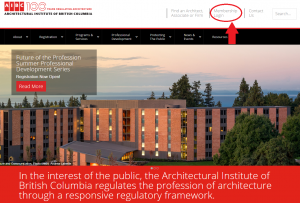
- Visit aibc.ca and select “Membership Login” in the top right-hand corner.
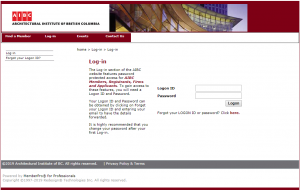
- Enter your Logon ID and Password. Note: there are separate logon IDs for firms and individuals.
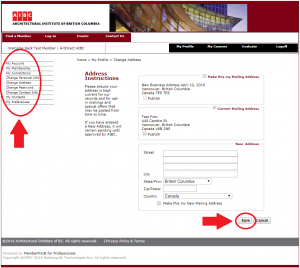
- Make any updates using the left-hand navigation bar. Be sure to click “Save” after each change or addition.


Forgot Your Password?
If you have forgotten your Logon ID or Password, you will need to reset your details. Enter your email and click Submit. If the email exists in our database, your Logon credentials will be sent to the address entered.
Additional Information
Information regarding applicable fees and payment requirements are outlined in Bulletin 1: Fees, Fines and Charges (PDF). For further information or additional assistance, please email accounts@aibc.ca.